
AdGuard
AdGuard provides system-wide ad blocking, advanced tracking prevention, and security features across browsers and applications on all major platforms.
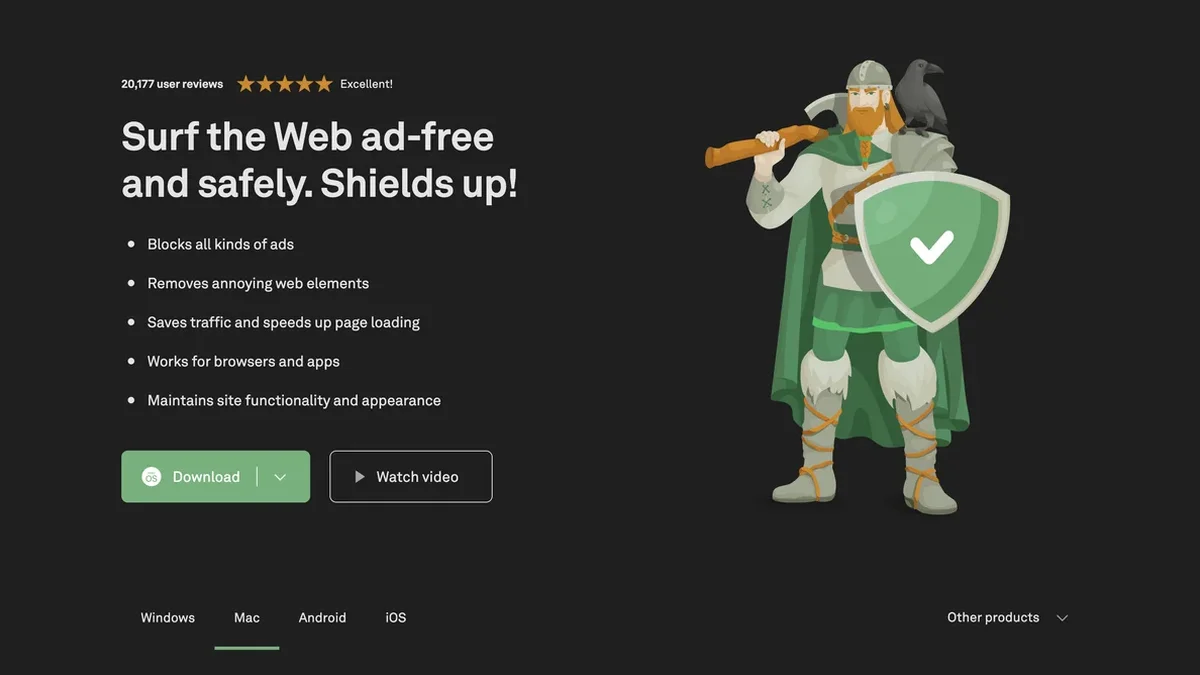
About AdGuard
AdGuard is a comprehensive suite of tools designed to eliminate online ads, block sophisticated trackers, and defend against phishing and malware across all your devices.
Key Features
System-Wide Ad & Tracker Blocking
AdGuard applications block ads and trackers not just in browsers, but across all apps on your device, offering a truly comprehensive filtering experience unmatched by standard browser extensions.
Advanced Security Defense
Beyond ad removal, AdGuard actively protects users by guarding against phishing attempts and malicious websites, ensuring your online activity remains safe from fraud and malware.
Customizable DNS Filtering
Utilize AdGuard DNS for a foolproof method of blocking internet ads without needing to install client software, providing network-level protection easily configurable for home routers.
Optimized Page Loading Speed
By eliminating ads and tracking scripts before they even load, AdGuard significantly speeds up website rendering times, saves bandwidth, and maintains clean site aesthetics by hiding empty ad spaces.
Cross-Platform Availability
AdGuard offers dedicated, optimized applications for Windows, macOS, Android, and iOS, ensuring consistent, high-quality ad-blocking and privacy protection regardless of your operating system.
Specialized Linux Support
Experience the world’s first system-wide Linux ad blocker, allowing users to manage filtering via a command-line interface, selecting from pre-installed or custom filter lists.
Use Cases
Eliminating YouTube Video Ads
Users can rely on AdGuard to effectively block intrusive video advertisements, including those commonly found on platforms like YouTube, ensuring uninterrupted content consumption.
Securing Mobile Browsing on iOS
For iOS users, AdGuard excels at blocking ads specifically within Safari, while also offering advanced features like customizable DNS settings for tailored privacy protection.
Protecting Smart TV Browsing
AdGuard for Android TV functions as the only application capable of blocking ads, acting as a firewall, and guarding privacy specifically for your Smart TV environment.
Enhancing Home Network Security
By installing AdGuard Home on a router, users can implement network-based ad and tracker blocking that covers every connected device without requiring individual client software installation.
Safeguarding Children Online
AdGuard for Windows and its mobile counterparts include features to shield children from accessing inappropriate or adult content, adding a vital layer of parental control to web usage.
Maintaining Digital Anonymity
AdGuard actively prevents websites and companies from collecting personal data via web analytics and online trackers, helping users maintain anonymity and control over their digital footprint.
FAQ
Why is AdGuard superior to browser-only ad blockers?
Most ad blockers are limited to browser extensions, meaning they cannot remove ads within applications. AdGuard provides dedicated apps for Windows, Mac, and mobile devices to block ads and trackers across browsers and apps.
Can AdGuard protect my entire home network?
Yes, AdGuard Home is a network-based solution that can be installed once on your router, covering all devices connected to your home network without needing separate client software on each device.
Does AdGuard offer protection on Android without root access?
AdGuard for Android successfully blocks ads in browsers and applications without requiring root access, making installation and use straightforward for most users.
What security benefits does AdGuard provide besides blocking ads?
AdGuard actively fights against online threats by protecting against phishing, blocking access to malicious sites, and shielding your personal data from being collected by trackers.
Are there free versions of AdGuard available?
Yes, AdGuard offers free versions for Android and iOS, and the full-fledged applications for Windows, Mac, and Android typically provide a free trial period to explore all features.
Does AdGuard help maintain website appearance after removing ads?
Yes, the full-fledged AdGuard application is designed to hide the empty spaces left behind after removing ads, ensuring that web pages maintain their intended functionality and visual appearance.